1
Step 1
Set up your columns
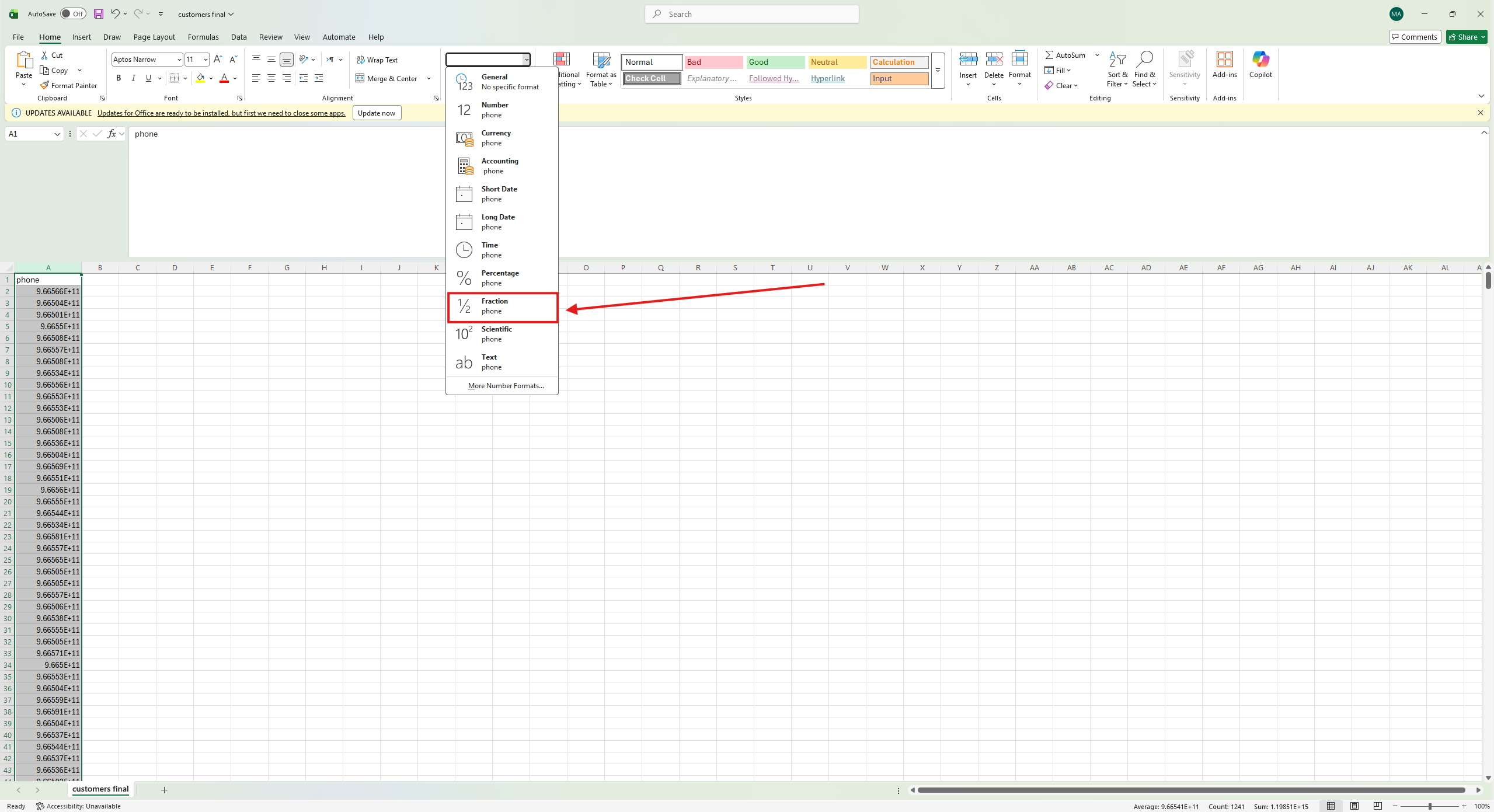
Open Excel and create a new sheet. In row 1, write the column header. The most important one is phone — this is what Buraq maps to each contact's WhatsApp number.
Add any other columns you'd like to personalize the message with — for example name, order_id, or store. Then paste your data starting in row 2.
i
Column names are case-sensitive. Use lowercase, no spaces, no Arabic letters — they become the variable names you'll map inside the Bot Builder.
customers.xlsx — Excel
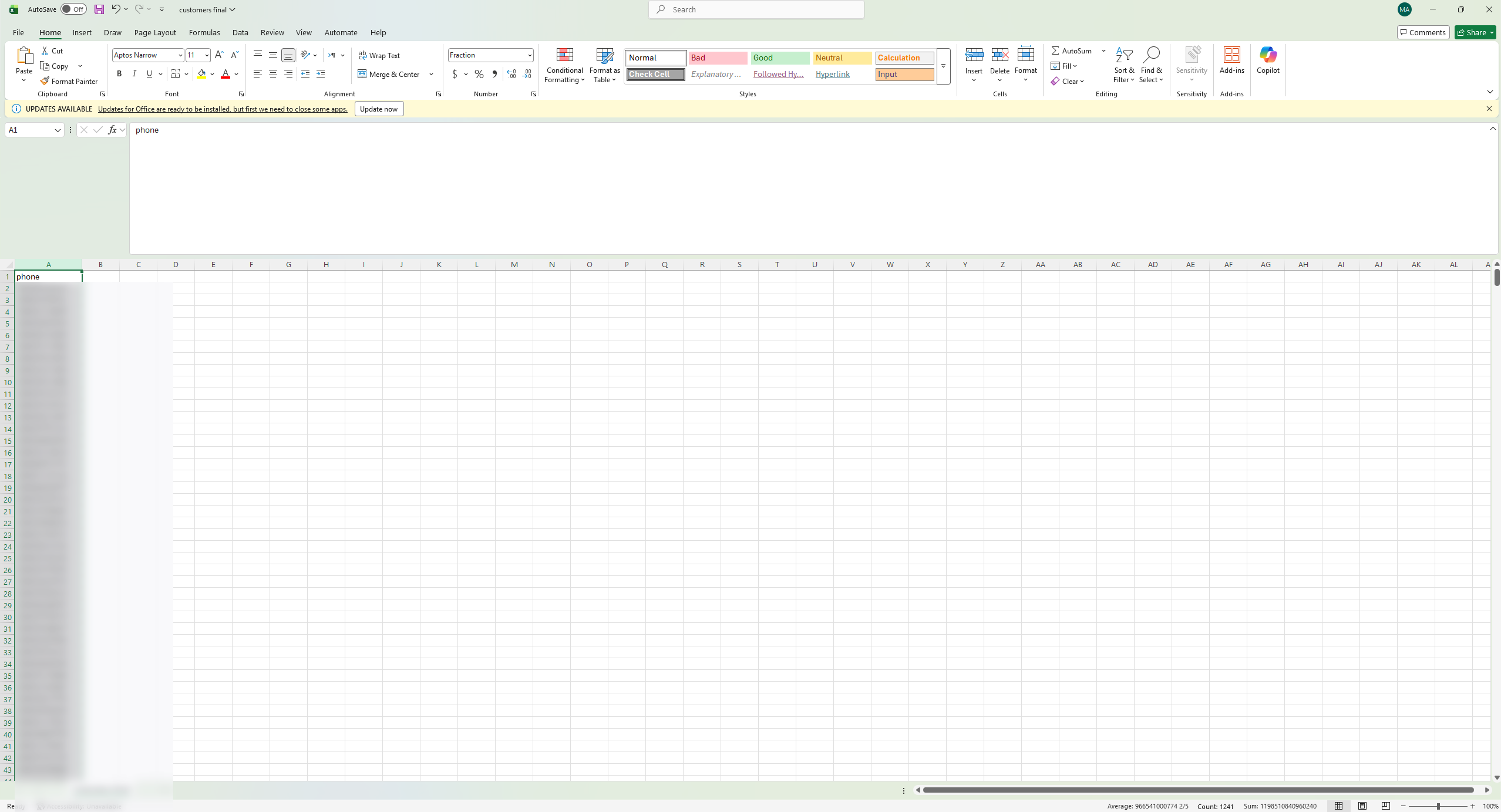
Phone numbers are intentionally blurred in this guide.